Demos 0:51
Put an invoice reminder on a schedule
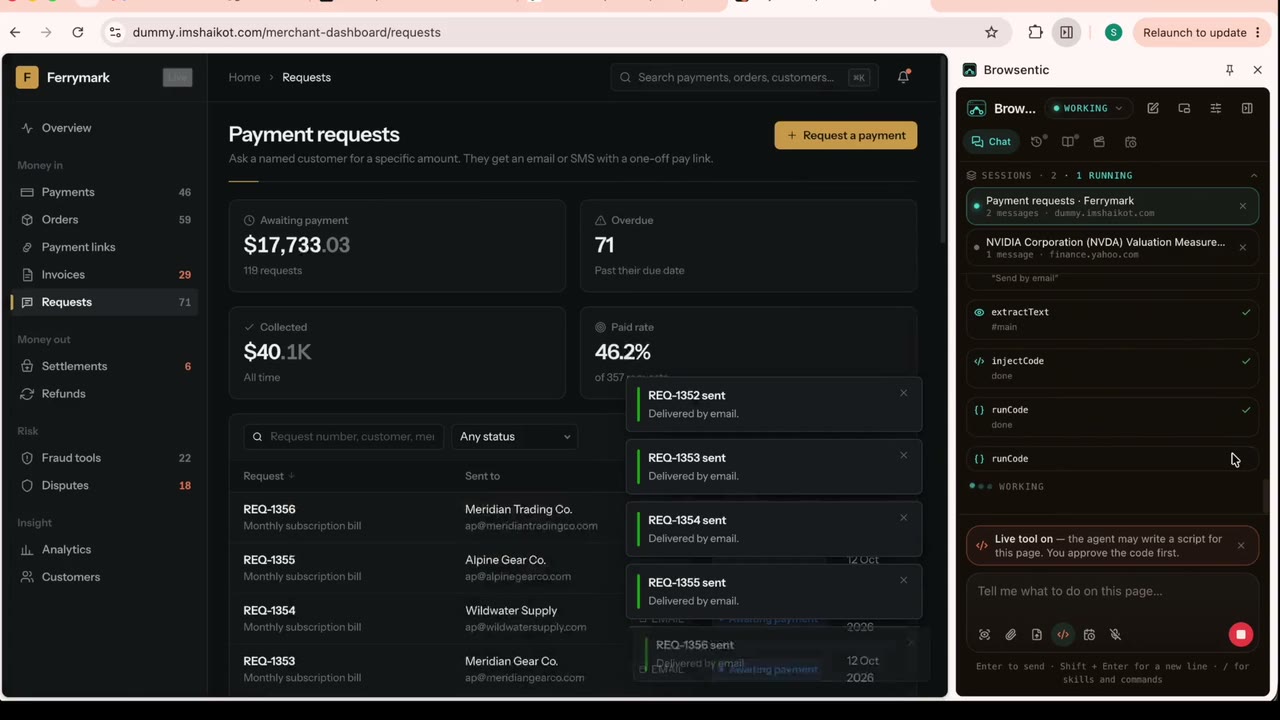
Watch a scheduled task set up in the side panel: an invoice reminder that finds the unpaid invoices and chases them on repeat, in a background tab.
What was asked
On every monday morning, filter the unpaid invoices and send reminder
Some jobs are not done once. A scheduled task keeps an instruction and the page it starts on, and runs it on its own: once, on chosen days, or every so many hours. Each run opens a background tab of its own and leaves you a one-line result. The dashboard is a demonstration app.
What happens
-
01
Opens the Schedules tab and starts a new task called Invoice reminder.
-
02
Writes the instruction and the page it starts on.
-
03
Picks when it runs: once, on chosen days, or every few hours. Here, every nine hours.
-
04
Chooses when to hear back and what to do about a missed run, then schedules it.
Give your browser a superpower.
Free and open source. No API key, no subscription, no account. A fresh install connects to nothing until you pair it yourself.
npx browsentic setup