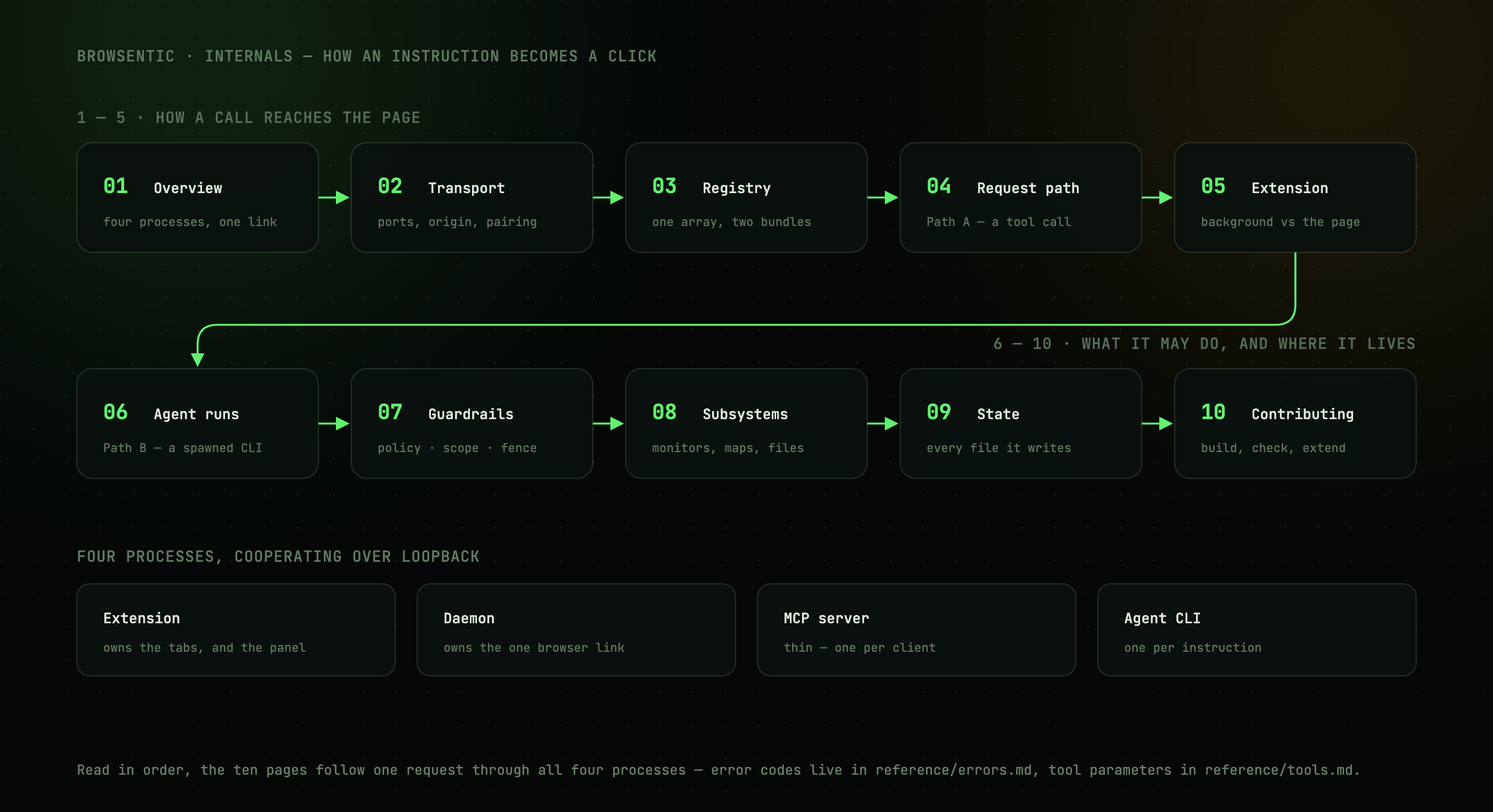
Browsentic is a browser harness of four processes that talk over loopback: the extension, which hosts the side panel; the daemon (Browsentic Bridge); the headless agent CLI the daemon spawns for a side-panel run; and, on the optional MCP path, one stdio MCP server per external client.
Read in order, these pages follow a request through all of them:
| 1. Overview | The parts and how they connect, and why a Manifest V3 extension needs a daemon |
| 2. Transport | Ports, the Origin gate, the mutual pairing handshake, the protocol window |
| 3. The action registry | One definition compiled into two bundles; names, drift detection, reserved actions |
| 4. Request path | Path A: an MCP client's tool call reaching the page |
| 5. Inside the extension | Background vs content script, self-healing injection, the panel, the rail and the orb, tab scoping |
| 6. Agent runs | Path B: the intent funnel, the runners, prompt assembly, the file and captcha analysts, skill routing |
| 7. Guardrails | The declarative policy, run scope, result fencing, spawn containment |
| 8. Subsystems | Monitors, recordings, site maps, files, screenshots |
| 9. State on disk | Every file Browsentic writes, and why it is where it is |
| 10. Contributing | Build topology, the checks, and adding a capability |
| 11. The macOS app | What is native, what stays in the daemon, and how the payload is laid down |
| 12. The Windows app | The Tauri and React app, the launcher, the PATH, and how it updates |
| 13. Store listings | The Chrome Web Store and Edge Add-ons IDs, submitting an update, and every field the dashboards ask for |
Error codes are in reference/errors.md, and each tool's parameters in reference/tools.md.