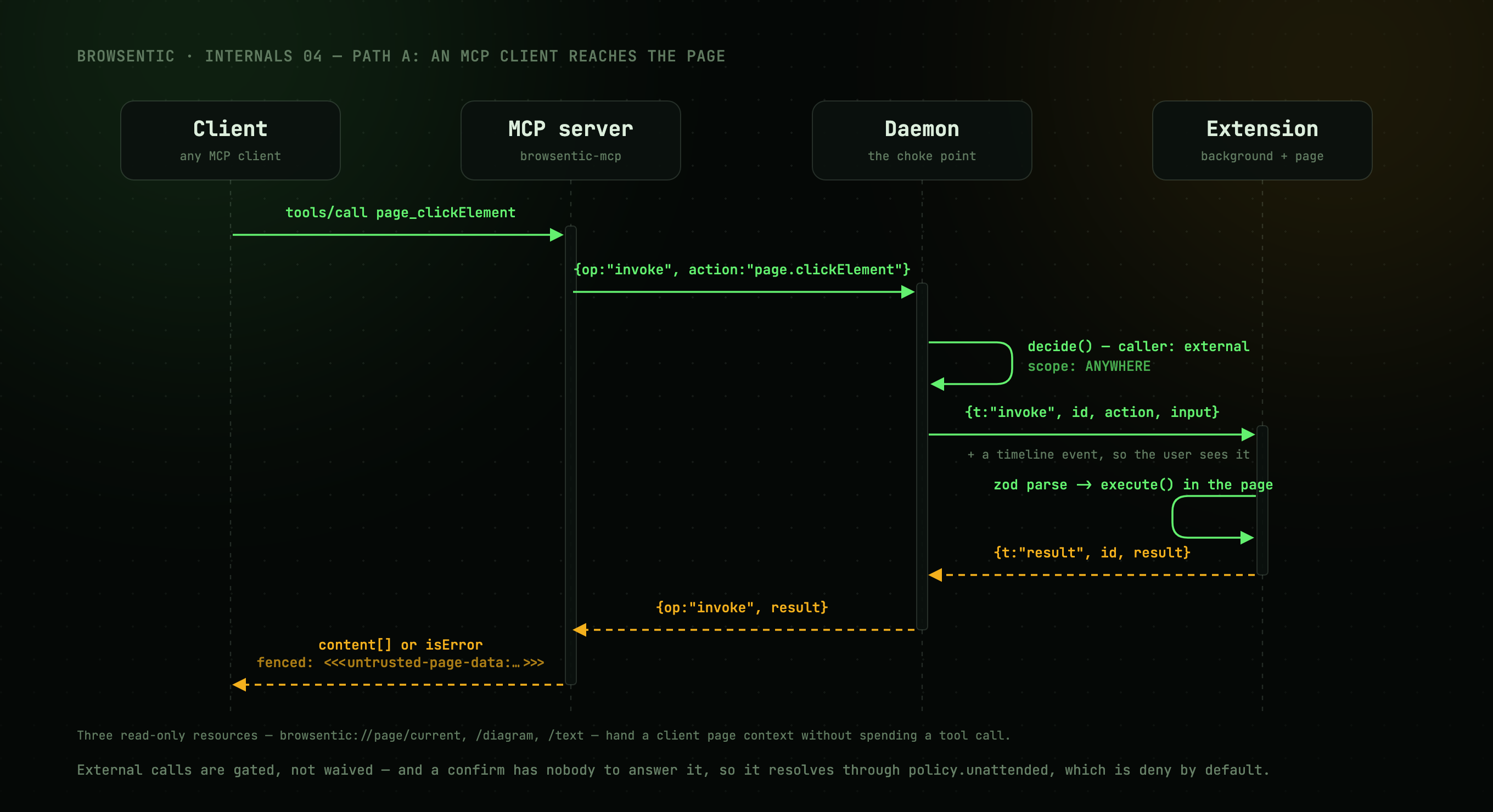
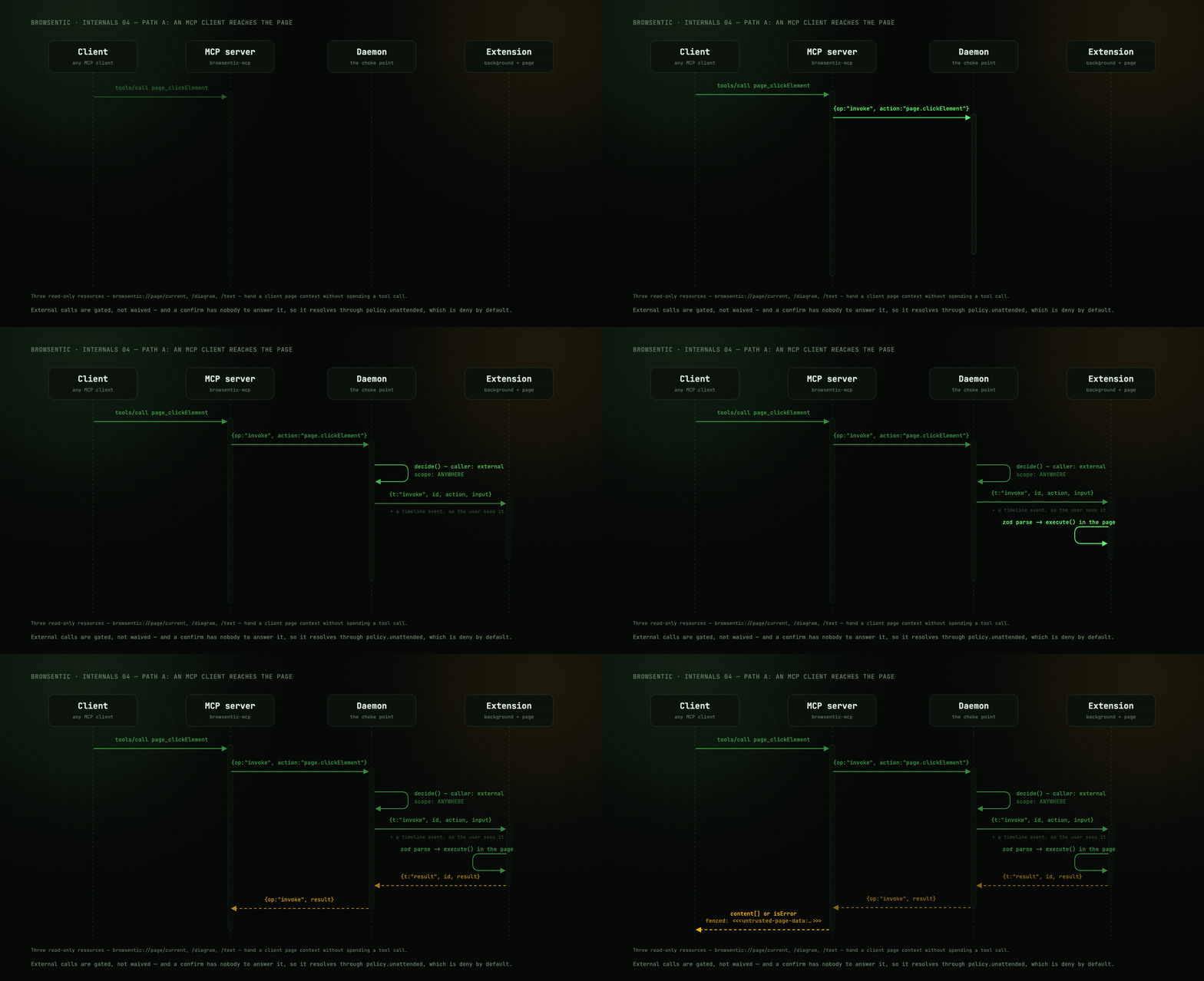
sequenceDiagram
    participant C as MCP client
    participant M as browsentic mcp
    participant D as Daemon
    participant B as Background SW
    participant P as Content script

    C->>M: tools/call page_clickElement
    M->>D: {op:"invoke", action:"page.clickElement"} (control WS)
    D->>D: guardrail decision
    D->>B: {t:"invoke", id, action, input} (extension WS)
    Note over D,B: also emits a timeline event so the user sees it
    B->>P: tabs.sendMessage → dispatch()
    P->>P: zod parse → execute() in the page
    P-->>B: ActionResult
    B-->>D: {t:"result", id, result}
    D-->>M: {op:"invoke", result}
    M-->>C: content[] or isError
Details worth knowing
browsentic mcp starts the daemon if needed. ensureDaemon() reads the lockfile, checks that
the pid is alive and /health answers, and otherwise spawns a detached daemon-main.js, polling for
up to 8 seconds. It never compares versions, so a running daemon keeps serving an old build until
browsentic restart.
External calls are visible. The daemon emits a tool/toolResult pair tagged
source: 'external' on the run channel, so everything an MCP client does appears on the user's
timeline.
External calls are gated, not waived. The request is evaluated with caller: 'external' and
scope: ANYWHERE. Deny rules deny; confirm rules resolve via policy.unattended, which defaults to
deny because there is nobody to ask. See Guardrails.
Results are fenced. Page-authored text is wrapped in a per-daemon random marker before it reaches the model. The MCP server's renderers do this, so it covers the external path as well as agent runs.
Timeouts are per action, not global. The control request waits 60 s by default; the extension
link allows 120 s for a screenshot, the computed typing duration plus 30 s for page.typeText, any
declared timeoutMs plus 5 s, and 30 s otherwise.
A held call is kept alive. An approval can hold an invoke for as long as the user takes, or for
ten minutes in a scheduled run. So RemoteBridge sends keepAlive with every invoke, the
daemon answers with a working frame every 2 s until the result, and the bridge restarts its
timeout on each one. Only a daemon that goes quiet is reported as DAEMON_UNREACHABLE. Before
this, the agent heard "unreachable" a minute into every approval and asked again. A client that
does not send keepAlive is never sent working.
The daemon persists screenshots, not the browser, and only on request.
persistScreenshot() writes nothing unless the call passed save: true or a mapping run supplied a
saveTo, so the captures an agent takes to look at a page leave no files behind. It reads save
from the raw input, not the parsed one, because the zod default is applied in the content script
and never reaches the daemon. When it writes, it decodes the data URL into screenshotDir at mode
0600 and adds savedTo to the result. A failed write becomes saveError, and the capture still
succeeds.
Three read-only resources (browsentic://page/current, /diagram, /text) give a client page
context without spending a tool call. They throw on failure instead of returning an error result,
because MCP resources have no error channel.
Next
Inside the extension →: what happens after the invoke frame arrives.